How user experience design improves safety in process industries
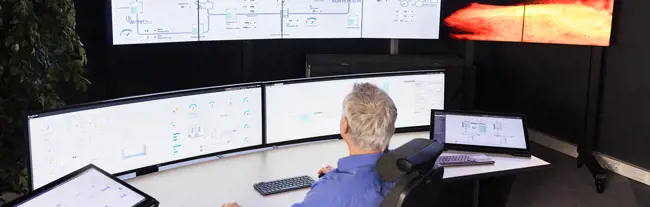
In an industrial control room, an unexpected incident can trigger hundreds or even thousands of alarms at once. Operators then have only a few seconds to find the real issue and take corrective action.
In these high-risk environments, where chemicals and flammable materials are part of daily operations, a well-designed user interface (UI) can make the difference between a near-miss and a catastrophe.
Yet many plant managers still see UX design as a "nice to have” rather than a core safety tool. As Anna Sydänmaa, Business Manager for Process Industry at Valmet Automation, notes, “Safety in the process industry has traditionally relied on concrete machinery, but the impact of good UX on safety is underestimated.”
Here’s how UX design sharpens situational awareness, reduces cognitive load, and helps operators stay in control when under pressure.
The operator’s challenge: Information overload
Modern automation systems generate more data than ever. And operators’ roles have expanded: one person may now oversee multiple processes, sites, and equipment.
But the answer isn’t to add more screens to control rooms. Humans can only process a limited amount of information at once, and without clear structure, data quickly becomes noise. A confusing or cluttered UI creates blind spots that slow reactions and increase the risk of human error.
The human factor is the biggest contributor to operational hazards. Misinterpreting a value or making a small mistake can be enough to trigger a serious incident
The 2005 BP Texas City refinery accident is a well-known example: 15 people lost their lives, 180 were injured, and the financial impact exceeded $1.5 billion. Among the root causes were poor display design, insufficient staff training, and faulty safety systems.
While most incidents don’t make headlines, incidents can occur often in process industries. "Emergency situations happen very quickly," says Sydänmaa. "Operators must see immediately what's ongoing so they can react fast in the right way. That's where the importance of user experience design comes in."
The solution: Build situational awareness through UX design
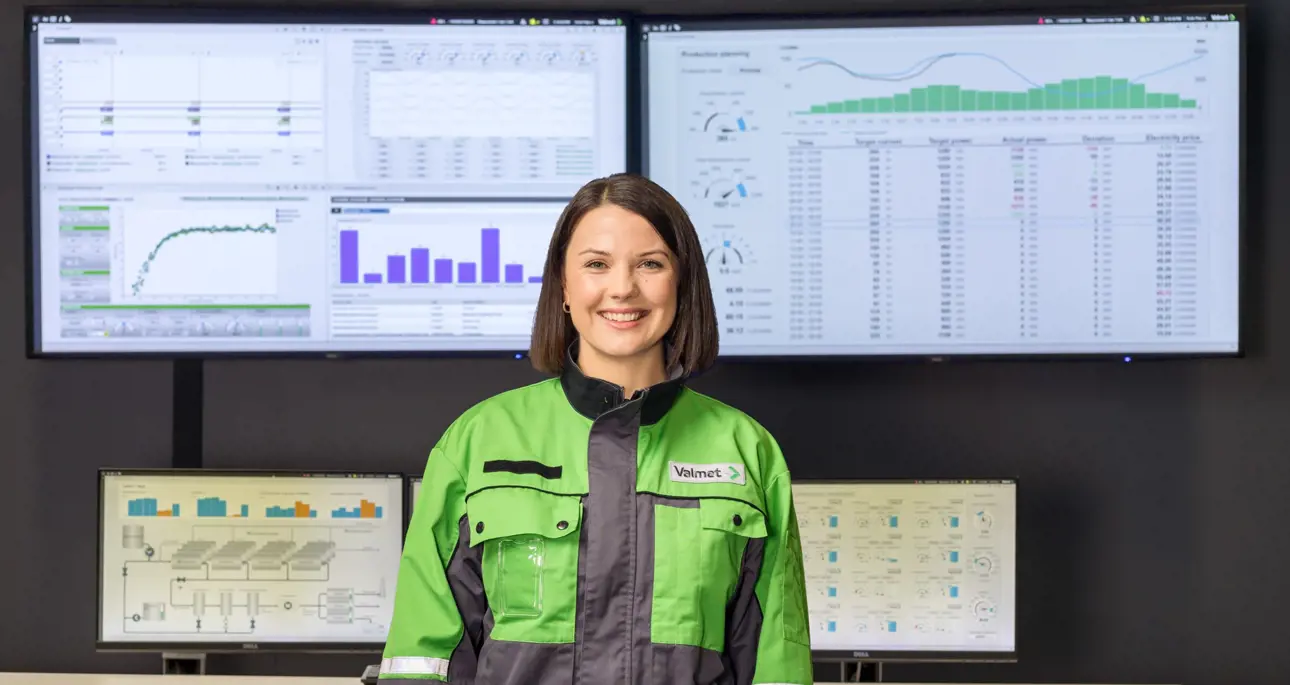
Well-designed UX gives operators situational awareness at a glance. “It’s really important to focus on user experience so that operators have the relevant information for the task at hand,” summarizes Nina Flink, UX Manager at Valmet.
At Valmet, UX design is built into our mission-critical automation from day one. Here’s how we do it.
Start with users, not P&I diagrams
Good UX design begins with understanding how operators, supervisors, managers, and engineers actually work, rather than diving straight into piping & instrumentation diagrams and system architecture.
“We start by understanding the bigger picture: how people want to work, what they need, and what the process demands. After that, we move into the details,” explains Flink.
This user-first approach ensures that the UI serves the people who depend on it, rather than forcing them to adapt to the system.
Collaborative approach
While automation reduces human error, it's not enough on its own. Mustonen explains: "Automation requires thoughtful UX design and close cooperation. Neither the automation supplier nor the customer can do it alone. The best results come when both parties work together.”
Design naturally brings out different opinions, but our UX process aligns everyone around a common goal. “Our goal is to create one good UI so that everyone sees the same information,” says Flink. “It's more than an automation system; it’s a collaboration tool for the whole organization.”
Follow core design principles
Our core design principles ensure users can work safely and efficiently:
- Designed around real work: UIs are built on real use cases and user needs rather than just the process perspective.
- Consistent UI: Colors, shapes, and symbols always mean the same thing across the system. Alarm colors are reserved strictly for alarms and nothing else.
- Information hierarchy: Layered information design helps operators navigate complex data without cognitive overload. Critical information is easy to find.
- Logical and consistent navigation methods: Operators can move through the system intuitively.
How good UX benefits your control room
- Faster, more confident decisions in mission-critical situations
- Fewer unnecessary alarms
- Easier training for new operators
- Better cross-team collaboration
- Stronger foundation for advanced data analytics tools
Valmet DNAe User Interface is very convenient, because it allows us to access the whole process view with one system, instead of switching between different ones. The information in the new user interface is well-organized and visual, so we can quickly understand the state of the process.
Modern processes demand better UX
For retrofitted older plants, UX renewal is a leap forward in safety while meeting employees’ expectations for modern interfaces.
This is even more important as new processes and raw materials, like renewable fuels and biochemical production, bring unfamiliar challenges and risks. Many details and hazards only become clear with years of operational experience.
“That’s why strong situational awareness is crucial for operators when working with new ways of manufacturing,” says Mustonen.
As operations become more complex, clear and reliable UIs are an essential tool in industries where safety is non-negotiable.
Strengthen operational safety with better UX
Discover how Valmet’s UX design approach supports safe, reliable operations.
Contact us